

Want to skyrocket your e-commerce sales with stunning videos? Video content can boost conversions by up to 80%, but creating professional-grade videos takes time and skill. That’s where video editing services come in—helping businesses in the USA and Australia create polished, engaging content without the hassle.
Imagine having a video editing firm handle everything from trimming clips to adding effects, all while saving you money and time. In this guide, you’ll discover how to find the best video editor services, compare options like freelancers and firms, and learn why Innovature Studio is a top choice. Ready to upgrade your e-commerce game? Let’s dive in!
What Are Video Editor Services?
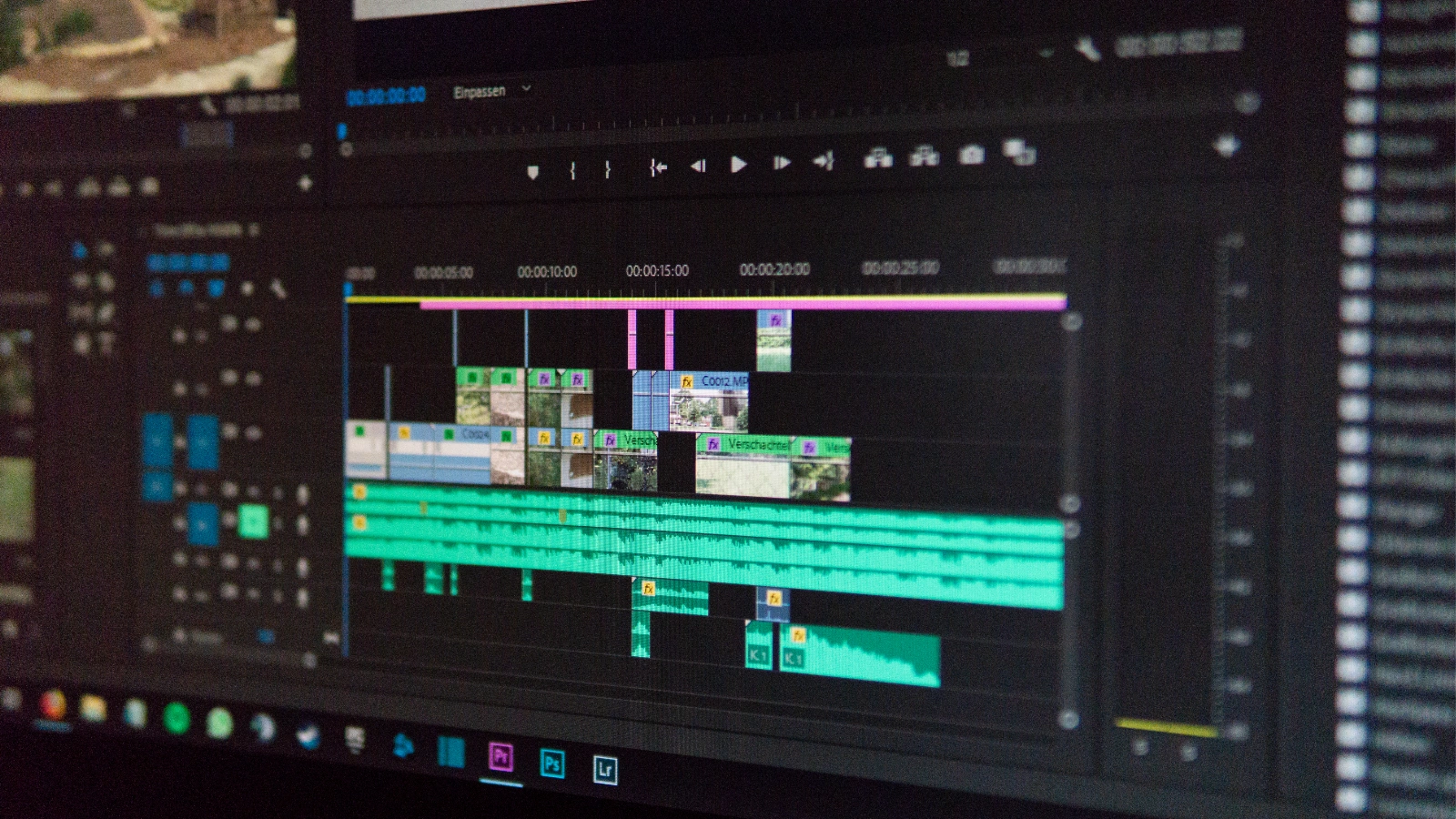
Video editor services involve hiring professionals to edit and polish your raw video footage. These experts turn unrefined clips into engaging videos perfect for e-commerce product pages, social media, or ads. A video editor can:
- Trimming and arranging clips for a seamless flow.
- Adding transitions, text, and animations to enhance appeal.
- Incorporating sound effects, music, or voiceovers for impact.
- Ensuring videos align with your brand’s style and goals.
For e-commerce, video editor services can make product demos, social media clips, or ads more compelling. Advanced video production editing, such as color grading or motion graphics, adds a professional touch, making videos pop on platforms like Instagram or YouTube.
Why Should You Outsource Video Editing?

Outsourcing video editing services is a smart choice for e-commerce businesses. Here’s why:
- Saves Time: Editing videos, especially in HD or 4K, takes hours. Outsourcing lets you focus on running your business.
- Professional Quality: Experts use advanced tools like Adobe Premiere Pro to deliver polished results.
- Cost-Effective: It’s often cheaper than hiring an in-house team or buying expensive software.
- Scalability: A video editing firm can handle multiple projects, perfect for growing businesses.
Plus, 58% of consumers rely on product videos to make buying decisions (HubSpot). Professional editing ensures your videos stand out and convert viewers into buyers.
Should You Hire a Freelancer, In-House Editor, or a Video Editing Firm?
Deciding how to hire a video editor involves weighing three options: freelancers, in-house teams, or a video editing firm. Each has unique benefits and challenges, so let’s explore what works best for e-commerce businesses.
Option | Pros | Cons |
Freelancers |
|
|
In-House Team |
|
|
Video Editing Firm |
|
|
A video editing firm is often the most efficient choice for e-commerce brands seeking consistent quality, quick turnaround, and the ability to scale production up or down as needed. Firms offer structured processes, a team of skilled editors, and the infrastructure to handle high volumes—making them ideal for businesses with ongoing content needs or those seeking unlimited video editing packages.
How to Choose the Right Video Editing Service Provider?
Selecting a reliable video editing firm requires evaluating key qualities:
- English Proficiency: Ensure clear communication through application summaries or video tests.
- Technology Capacity: Check for high-end hardware (e.g., fast video cards, ample storage) and software like Final Cut Pro (Filmora).
- Skill Levels: Look for editors ranging from entry-level to senior, with specialized skills like motion graphics.
- Previous Work: Review portfolios and request a test project to assess branding fit and footage choices. A reputable video editing firm will provide samples and align with your e-commerce goals.
How Much for Video Editing Services?
The cost of video editor services depends on the project’s scope, video length, and extras. Here are the two main pricing models:
Hourly Rate
- Common for freelancers, typically $50-$150/hour.
- Good for flexibility but can lead to unpredictable costs.
Fixed Rate
- Preferred by video editing firms, providing budget clarity.
- Offered by firms like Innovature Studio, starting at:
- Social Videos (e.g., TikTok, Instagram Reels): $30-35 USD / $46.8-54.6 AUD per video.
- Commercial Videos (10-15 seconds): $20.65 USD / $32.21 AUD.
- Add-On Costs:
- Sound Effects: $145 USD / $226 AUD.
- Color Grading: $193 USD / $301 AUD.
- After Effects (e.g., animations): $96-$289 USD / $150-$451 AUD.
Some providers advertise unlimited video editing, but these plans often have limits on revisions.
Why Choose Innovature Studio for Your Video Editing Needs?
Innovature Studio is a top choice for e-commerce businesses in the USA and Australia. Here’s what makes us stand out:
- Variety of Services: From social videos to commercial videos, they cover all your needs.
- Add-On Options: Enhance videos with sound effects, color grading, or After Effects animations.
- Affordable Pricing: Starting at just $20.65 USD / $32.21 AUD for short videos.
- Free Trial: Test their video editor services with no risk (Free Trial).
- Reliable Support: Professional communication and a money-back guarantee.
With competitive pricing and a focus on quality, Innovature Studio helps your e-commerce videos shine.
Tips for Working with a Video Editing Firm
To get the best results from your video editing firm, follow these steps:
- Share a clear brief with your vision, including scripts or branding guidelines.
- Provide example videos to show the style you want.
- Set a timeline and communicate regularly to avoid delays.
- Review the firm’s portfolio to ensure their work matches your needs.
Good communication leads to videos that perfectly fit your e-commerce goals.
Conclusion
Outsourcing video editor services is a fantastic way for e-commerce businesses to create professional videos without the hassle. Either you need video production editing for social media or product demos, a video editing firm like Innovature Studio can help.
With affordable pricing, a free trial, and a range of services, they’re a great fit for businesses in the USA and Australia. Take the first step today—visit Innovature Studio to explore our services and transform your video content.
FAQs
What Do Video Editing Services Include?
- Trimming and cutting for smooth transitions;
- Sequencing and compiling footage to tell a story;
- Color correction and grading;
- Adding branded graphics and elements;
- Subtitles and captions;
- Audio editing and mixing;
- Animation and special effects;
- Multiple rounds of revisions;
- Exporting in various formats;
- Storage and project management options.
What Are 321 Rules of Video Editing?
- Keep 3 copies of every project;
- Use at least 2 different storage formats (e.g., hard drive and cloud);
- Store 1 copy offsite (separate physical location or cloud backup);
This rule is a best practice for data security, ensuring your video projects are safe from accidental loss or hardware failure.
What Do Most People Edit Videos With?
- Professionals: Adobe Premiere Pro, Final Cut Pro, DaVinci Resolve
- Beginners/Casual: iMovie, Adobe Premiere Rush
- YouTubers: Adobe Premiere Pro, Final Cut Pro
- AI/Automation: Synthesia, Minvo, DaVinci Resolve (with AI features)
>> See more: